

Key Takeaways
Why Your Advertised Speed and Your Actual Speed Often Differ
When an ISP markets a plan as offering a certain speed, that figure typically represents a ceiling - the phrase "up to" is doing a lot of work in most service agreements. Common myths about home internet speeds help explain why this gap exists: factors like network congestion, equipment age, cable quality, and the technology underlying your connection all affect real-world performance.
Before you can evaluate whether you're getting what you pay for, you need a baseline. That means running structured tests - not just opening a speed-test site once and accepting the number you see. Understanding what Mbps actually means is essential context here: download speed, upload speed, and latency (the delay in milliseconds before data begins transferring) all affect your experience in different ways.
Connection Type Shapes Your Baseline
What counts as acceptable speed variance depends partly on your connection technology. Cable internet shared across a neighborhood node can dip during peak hours, while fiber typically delivers more consistent throughput around the clock. Knowing your connection type helps you set realistic expectations before interpreting test results.
Your connection type also influences what speed variance is normal. Fiber, cable, DSL, fixed wireless, and satellite each carry different performance characteristics. For instance, cable internet is more susceptible to neighborhood congestion than fiber, so moderate fluctuation during peak hours may fall within expected norms for cable customers but would be unusual on a fiber connection.
What You Need Before Testing
Accurate speed testing requires eliminating as many variables as possible so that your results reflect ISP performance rather than home-network limitations.
What you will need
Close any applications that use bandwidth - streaming services, cloud backups, video calls, and software update utilities should all be paused. If other household members are online, ask them to pause their activity during the test window.
Running the Test and Interpreting Your Results
Once you've completed your tests, you'll have a set of numbers to compare against your plan's advertised speeds. A single test that falls slightly below the stated maximum is not necessarily cause for concern - some variance is normal, and the real differences between fiber and cable in peak-hour performance illustrate why context matters.
Connect directly to your router via Ethernet
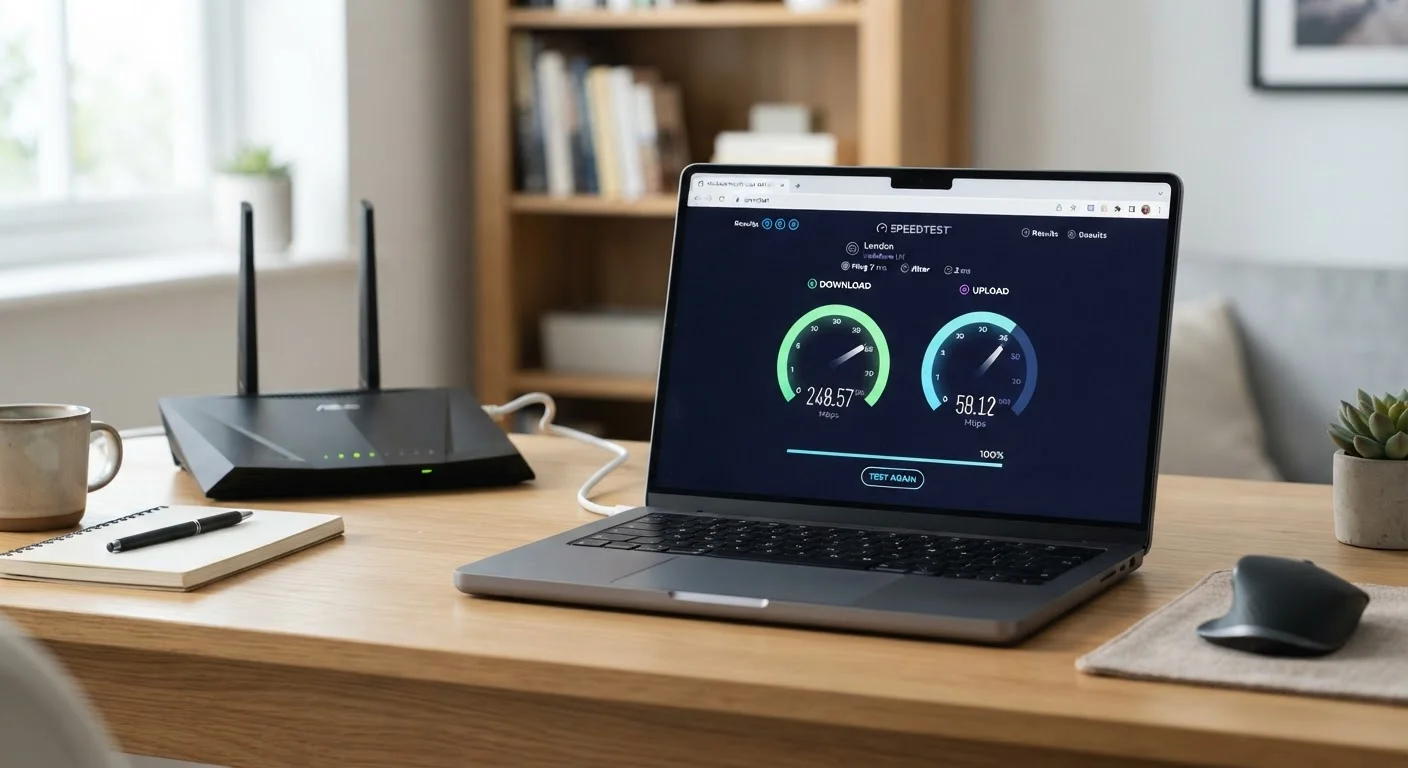
Plug your computer into your router or modem using an Ethernet cable. Wi-Fi introduces signal loss, interference, and distance variables that can make your results look worse than your ISP connection actually is. Testing over a wired connection isolates ISP performance from home-network performance.
Choose a reputable, neutral speed-test tool
Use a publicly accessible, non-ISP-affiliated speed test. Options include Speedtest.net (by Ookla), Fast.com (operated by Netflix), and the FCC's Measuring Broadband America tools. Avoid using a speed-test tool hosted or promoted by your own ISP, as those may route through optimized network paths that don't reflect typical traffic.
Run tests at multiple times of day
Perform at least three to five tests: early morning (low-traffic period), midday, and evening peak hours (typically 7-10 PM in residential areas). Record the download speed, upload speed, and latency (ping) for each test. A single test is a snapshot; a pattern across time reveals systemic issues.
Compare results to your plan's advertised speed
Locate your plan's stated download and upload speeds - these appear on your service agreement or your ISP's account portal. Compare each test result to these figures. Note which tests fall furthest below the advertised rate and at what time of day they occurred.
Test over Wi-Fi to assess your home network separately
After completing your wired tests, repeat the process over Wi-Fi from the same location. A large difference between wired and wireless results points to a home-network issue - router placement, router age, or interference - rather than an ISP problem. This distinction matters when deciding who to contact for a fix.
What warrants action is a consistent pattern: if your speeds regularly fall below 50-80% of your advertised rate - especially during non-peak hours over a wired connection - that's a meaningful gap. Document your results with timestamps and connection method (wired vs. wireless), then contact your ISP. Most providers have a technical support process for diagnosing persistent underperformance, and having dated test logs strengthens your position. You may also want to review your ISP contract's fine print to understand what speed commitments, if any, are actually guaranteed in writing.
If issues persist after working with your provider, knowing the right questions to ask before any plan commitment can help you evaluate whether switching providers makes sense.