

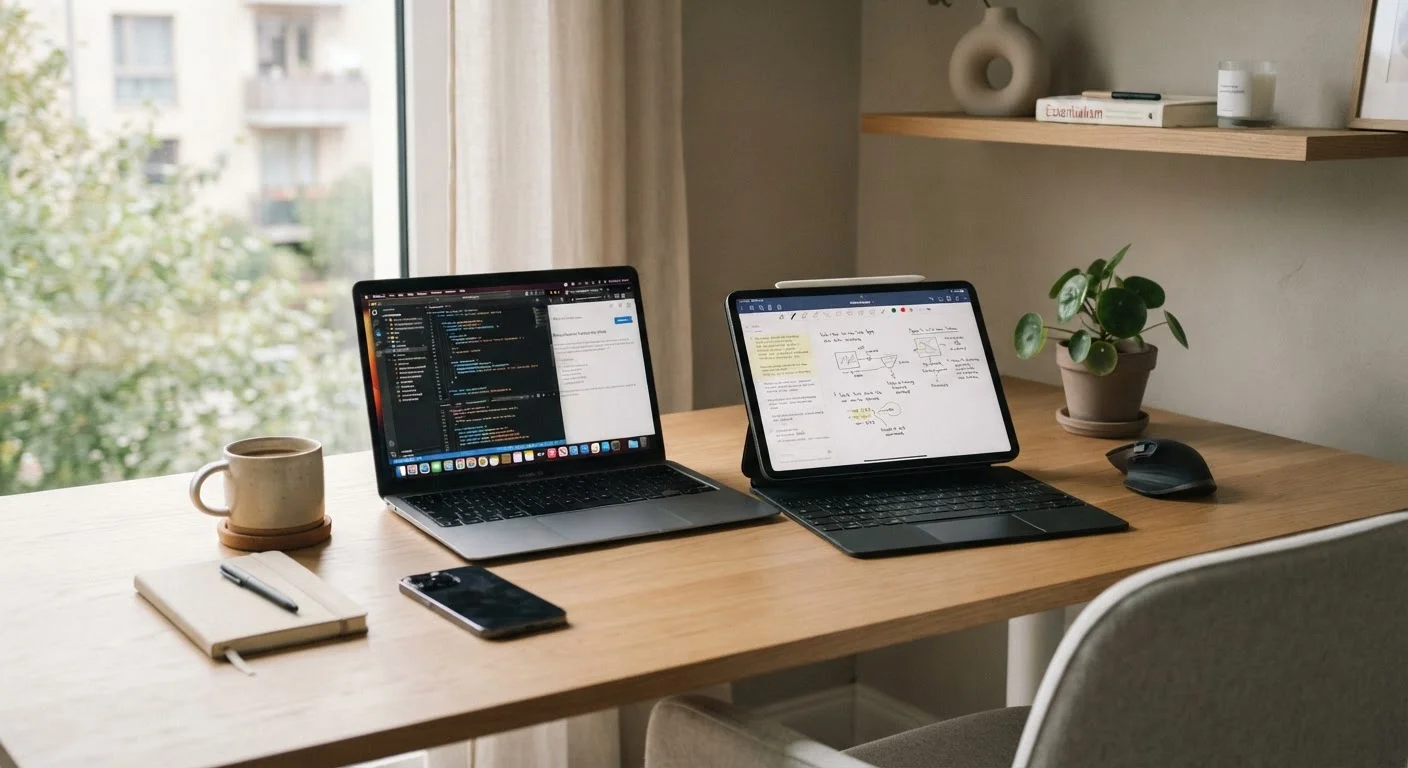
Key Takeaways
Option A
Tablet
The portable, touch-first versatile companion.
Best for: Consuming content, light productivity, travel, and flexible use across postures and locations.
Option B
Laptop
The full-power, keyboard-first productivity workhorse.
Best for: Sustained work sessions, complex software, multi-window tasks, and traditional office-style workflows.
If you primarily browse, stream, read, and take occasional notes
Tablet
Tablets are lighter, easier to hold for long periods, and their battery life and touch interfaces suit passive and light-active use extremely well.
If you write extensively, manage spreadsheets, or run professional software
Laptop
A physical keyboard, full operating system, and wider software compatibility make laptops far more efficient for heavy, deadline-driven work.
If you travel frequently and need one device for mixed use
Tablet
A tablet with an optional keyboard cover can cover most travel tasks while saving significant weight and clearing security lines faster.
If you regularly run video editing, coding, or data-heavy applications
Laptop
Laptops offer greater processing power options, better thermal management, and software ecosystems that specialized professional tools depend on.
If you're a student balancing notes, research, and occasional assignments
Laptop
Most educational platforms and productivity suites are optimized for desktop-class operating systems, making a laptop the more reliable academic tool.
Why the Line Between Tablets and Laptops Has Blurred
A few years ago, choosing between a tablet and a laptop was straightforward - laptops did serious work, tablets were for couch browsing. That distinction has eroded considerably. Tablets now ship with high-refresh displays, desktop-class chips, and optional keyboard covers. Laptops, meanwhile, have grown lighter and gained touchscreens on many models. The overlap is real, but it doesn't mean these devices are interchangeable.
The honest question isn't which device is more advanced - it's which one matches how you actually spend your hours. A device that wins on a spec sheet but frustrates you in daily use isn't a good choice for you, regardless of what it benchmarks at. Understanding where each form factor genuinely excels is the starting point for making a decision you won't regret.
For a broader look at how screen quality affects your daily experience on either device type, see our article on display technology for tablets and smartphones.
Where Each Device Genuinely Has the Advantage
Tablets have a real edge in portability, touch interaction, and battery endurance. They're easier to use standing up, lying down, or on a crowded train - contexts where opening a clamshell is awkward. For reading, sketching, video calls, and light note-taking, the form factor is naturally suited. Many people also find tablets more approachable for family sharing across different age groups.
Laptops hold a meaningful lead in sustained typing comfort, software depth, and multitasking headroom. A physical keyboard with proper key travel makes a measurable difference over hours of writing. Operating systems on traditional laptops - whether Windows or macOS - run a wider range of professional applications and browser extensions without workarounds. Port selection is also typically broader, which matters when connecting to monitors, peripherals, or wired networks.
| Criterion | Tablet | Laptop |
|---|---|---|
| Portability | Lighter, easier to hold one-handed | Heavier, requires a flat surface |
| Typing experience | Depends on accessory keyboard | Built-in, ergonomic keyboard standard |
| Software depth | App-based, some limitations | Full desktop OS, broad compatibility |
| Battery life | Typically longer per charge | Varies widely by model and workload |
| Multitasking | Improving but still limited | Strong, multi-window native support |
| Port selection | Minimal (often 1-2 USB-C ports) | Wider range, often includes USB-A, HDMI |
| Touch and stylus input | Native and intuitive | Optional, not universal |
| Best use posture | Flexible - standing, reclining, desk | Seated at a surface |
One area where tablets continue to lag is file management and window management. Dragging files between folders, running two full browser windows side by side, or quickly switching between a document and a reference spreadsheet is still more fluid on a laptop for most people. Tablets have improved here, but the experience often requires learning workarounds that don't feel intuitive.
The Keyboard Question: A Tablet Add-On Isn't Quite a Laptop
Keyboard covers and folio cases have made tablets more productive, but it's worth being clear-eyed about the limitations. Most tablet keyboard accessories offer shorter key travel, narrower layouts, and less stable lap use than a built-in laptop keyboard. For occasional typing - emails, short documents, quick responses - the difference is minor. For hours of daily writing, many users notice fatigue or accuracy loss.
There's also a posture consideration. Tablets with keyboard cases typically lock into one or two angles, unlike a traditional laptop hinge that adjusts freely. If you work at a variety of desks, cafes, or on your lap, that fixed angle can become uncomfortable over time. If you're also thinking about reducing physical strain during long work sessions, the ergonomics of your primary device matter more than most people initially expect - see our piece on managing movement with a desk-based workflow for some useful framing.
Cellular Connectivity Is Worth Factoring In
Many tablets are available with optional cellular data built in, letting you stay connected without a Wi-Fi hotspot. Most laptops rely entirely on Wi-Fi, though some newer models offer cellular as an option. If you frequently work in locations without reliable Wi-Fi, cellular capability - and the associated plan cost - is a practical factor to weigh. Our phone plans hub covers how data plans for connected devices typically work.
The reverse consideration also applies: some thin-and-light laptops now include touchscreens, letting you annotate PDFs or navigate with a finger when it's convenient. If a laptop's touch capability is a meaningful draw, look for models that include it without significantly compromising battery life or adding unwanted weight.
Making Your Decision - and What Comes Next
Start with your heaviest use case. If the majority of your device time involves writing, complex research, or professional software, a laptop is likely to serve you better even if it's heavier and less flexible. If your day is dominated by reading, streaming, light email, and video calls - with occasional documents - a tablet may cover everything you need.
Budget is a real factor, but don't treat price as the primary filter. A tablet with a keyboard cover, stylus, and quality case can approach or exceed the cost of a capable laptop. Consider the full accessory ecosystem before assuming a tablet is the more economical path.
When you're eventually ready to upgrade or replace either device, it's worth understanding your options for the device you're moving on from. Our article on trade-ins, recycling, and resale for old devices walks through the realistic choices. And if you're also in the market for a new smartphone, our smartphone buying guide covers how to evaluate the features that genuinely affect daily use.
~1.2 lbs
Typical tablet weight without accessories
Most 11-inch tablets weigh roughly 1-1.4 lbs; adding a keyboard cover typically brings the total to 2-2.5 lbs - approaching thin laptop territory.
60%+
Share of tablet use that is media consumption
Industry research consistently finds that streaming video, reading, and browsing account for the majority of how tablets are actually used day to day.
8-12 hrs
Typical tablet battery life (real-world use)
Manufacturer claims vary, but independent testing of mainstream tablets generally shows 8-12 hours of mixed use before needing a charge.