

Key Takeaways
Device Storage
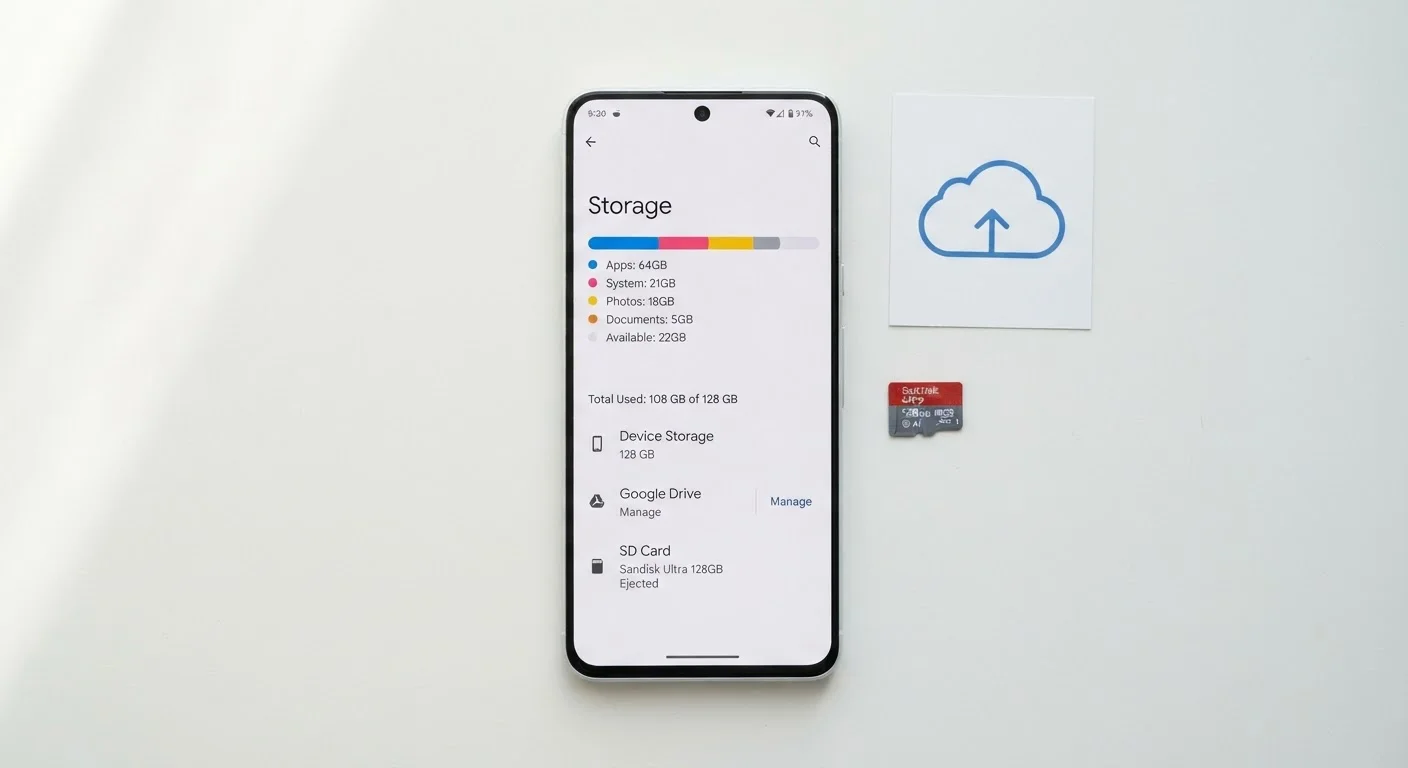
Device storage is the space your phone, tablet, or computer uses to save everything - apps, photos, videos, messages, and files. Unlike RAM (which handles what's actively running), storage holds data permanently until you delete it. Modern devices offer three main types: internal storage built into the device, expandable storage via memory cards, and cloud storage hosted on remote servers.
Internal storage on current smartphones typically uses NAND flash memory (UFS 3.1 or UFS 4.0 on flagship models), which determines not just capacity but also read/write speeds that affect how quickly apps load and files transfer.
Internal Storage: The Foundation
Internal storage is the memory soldered directly into your device at the factory. It's where your operating system, apps, photos, and downloaded files live by default. Because it's physically part of the device's main circuit board, it's fast, durable, and always accessible - no Wi-Fi or extra hardware required.
The critical thing to understand: internal storage capacity is fixed at purchase. A 128GB phone will always be a 128GB phone. Manufacturers design devices this way to keep them slim, water-resistant, and structurally simple, but it means choosing wisely upfront matters. For guidance on how storage figures fit alongside other key specs, see our smartphone specs breakdown.
One common point of confusion: advertised storage capacity is never fully available to you. The operating system, pre-installed apps, and system files occupy a portion of that space. A device labeled 128GB typically offers around 110-115GB of usable storage in practice.
Check Usable Space Before You Buy
When comparing storage options, remember that the advertised number is not the usable number. Ask or research how much space the OS and pre-installed apps occupy on the specific model you're considering. This detail is often available in published reviews and on manufacturer spec pages.
Cloud Storage: Access From Anywhere
Cloud storage saves your files on remote servers managed by a service provider, rather than on the device itself. When you take a photo and it automatically backs up to a cloud service, a copy travels over the internet to data centres where it stays until you delete it or change settings.
The main appeal is convenience: your content is accessible from any device with your account credentials, and it's protected if your phone is lost, stolen, or damaged. Many platforms also let you free up local space by storing only lightweight previews on the device itself.
The trade-off is connectivity dependency. Accessing files stored exclusively in the cloud requires an internet connection. If you're on a limited data plan or frequently in areas with poor coverage, heavy reliance on cloud storage can become frustrating or costly. Our guide to phone plans for light data users covers how data consumption factors into plan selection.
128GB
Most common internal storage tier sold
128GB has become the standard entry-level capacity for mid-range and flagship smartphones across major manufacturers as of recent product cycles.
~400MB
Storage used per minute of 4K video
Recording 4K footage at 60fps can consume roughly 300-400MB per minute, making video the single largest driver of storage consumption on modern smartphones.
1TB
Maximum microSD card capacity available
Consumer microSD cards now reach 1TB in capacity, though cards in the 128GB-256GB range represent the most commonly purchased tier for smartphone users.
Expandable Storage: The MicroSD Option
Some Android smartphones, tablets, and cameras include a microSD card slot - a small port that accepts a removable memory card. These cards are widely available and can add anywhere from 32GB to 1TB of additional capacity at a fraction of the cost of a higher-spec device.
Expandable storage is genuinely useful for people who take large volumes of photos or videos, download media for offline use, or simply want a low-cost buffer before they need to think about cloud subscriptions. The card can also be transferred between devices or used as a backup.
However, not all devices support microSD expansion. Most iPhones have never included the feature, and a growing number of flagship Android phones have removed the slot in recent generations. Card speed also matters: slower cards can create a noticeable lag when saving high-resolution images or running apps installed on the card. Look for cards rated at UHS-I Speed Class 3 (U3) or Video Speed Class 30 (V30) for the best everyday performance.
Understanding expandable storage is also relevant when you're evaluating a device's long-term value - a factor worth considering before any trade-in or upgrade. Our article on trade-ins, recycling, and resale walks through what happens to your old device.
Choosing the Right Storage Strategy
Most people benefit from a combination of all three storage types rather than relying on just one. Internal storage handles your apps and frequently used files with speed and reliability. Cloud storage provides an automatic safety net for photos and important documents. Expandable storage - where available - gives you a flexible, low-cost way to extend capacity on demand.
When evaluating storage before a purchase, think about what fills up your space most. For most consumers, it's photos and videos. Shooting in 4K can consume 300-400MB per minute of footage, which adds up fast. Streaming apps like music and video services cache content locally and can also eat into available space.
For a broader look at how storage fits into the overall device decision, our consumer guide to buying a smartphone covers the full range of features worth weighing before you commit.
Storage Needs Change Over Time
App sizes, photo resolutions, and video quality settings have all grown significantly over the past decade - and that trend continues. A storage capacity that felt generous two years ago may feel tight today as camera sensors improve and apps expand. Factor in at least a year or two of growing usage when deciding how much internal storage to prioritise at purchase.